Branded Email Address
We've made an exciting improvement to how emails work in VisaFlo!
Action required for Legacy Email Whitelabeling users
If you're currently using our email whitelabeling feature, you'll need to complete the setup process again to continue delivering emails under your domain.
This quick reconfiguration ensures your custom domain works seamlessly with the new per-user email system.
How to set up:
-
Go to your Email Configuration settings
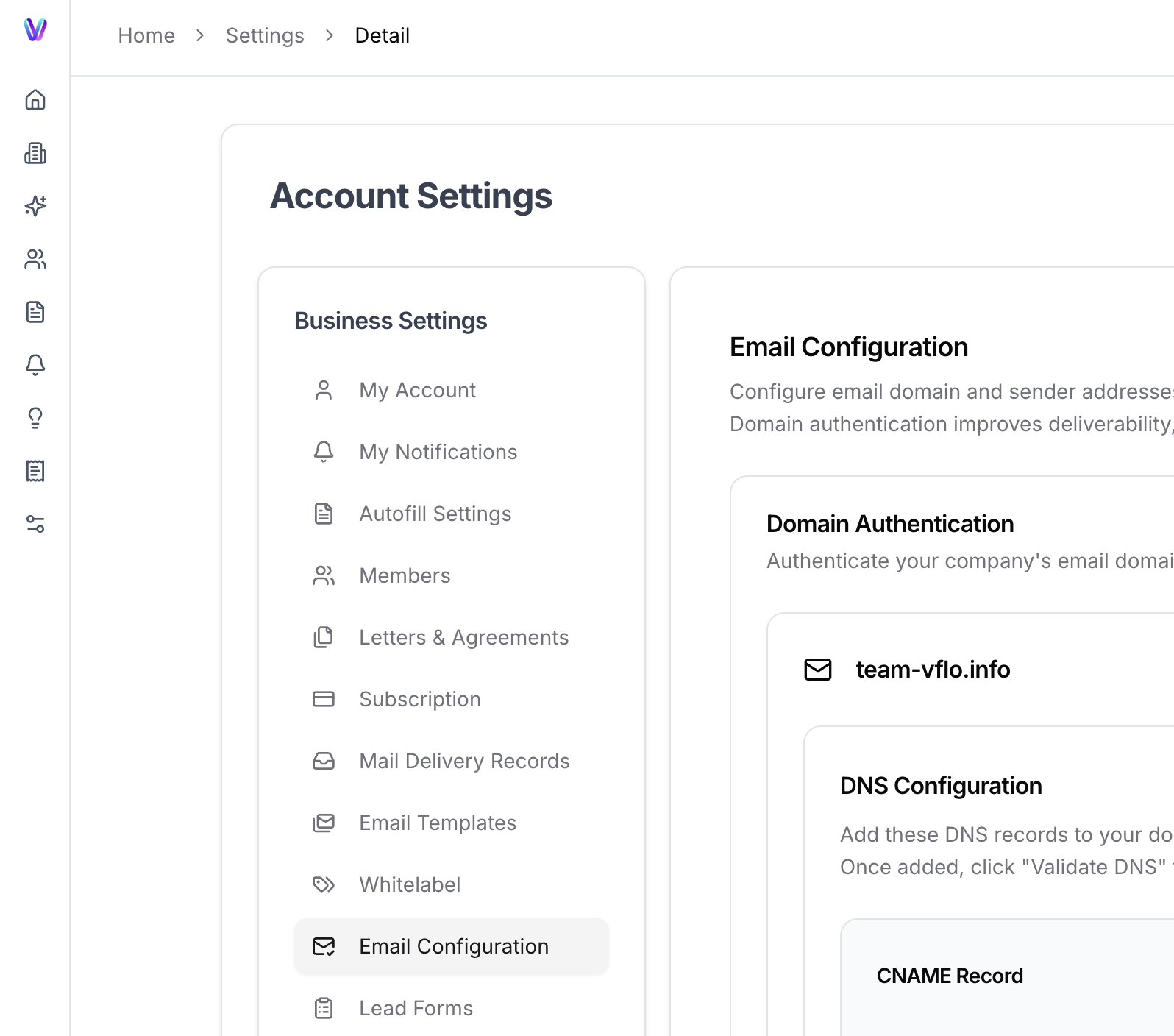
2. Enter your domain and complete the setup steps to verify your domain
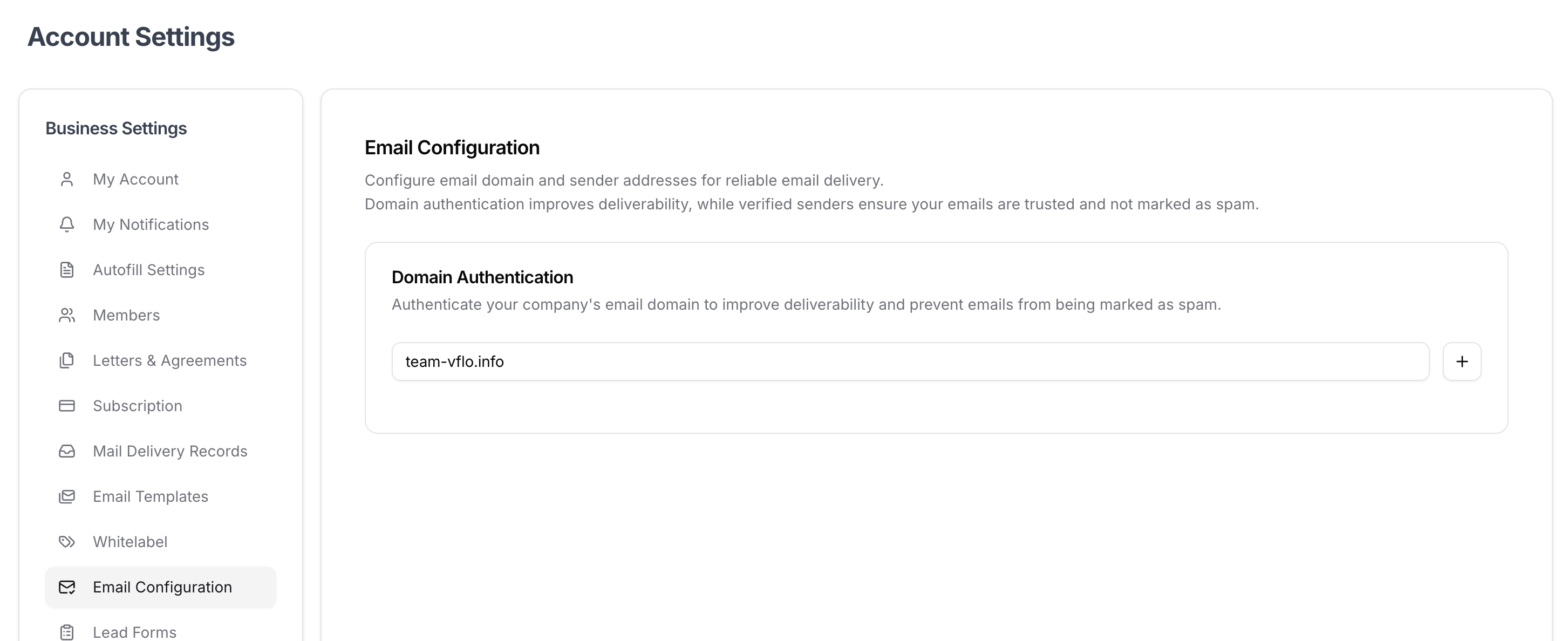
3. On the bottom of the same page, each team member can then configure their individual email address under the company’s domain and set the email signature.
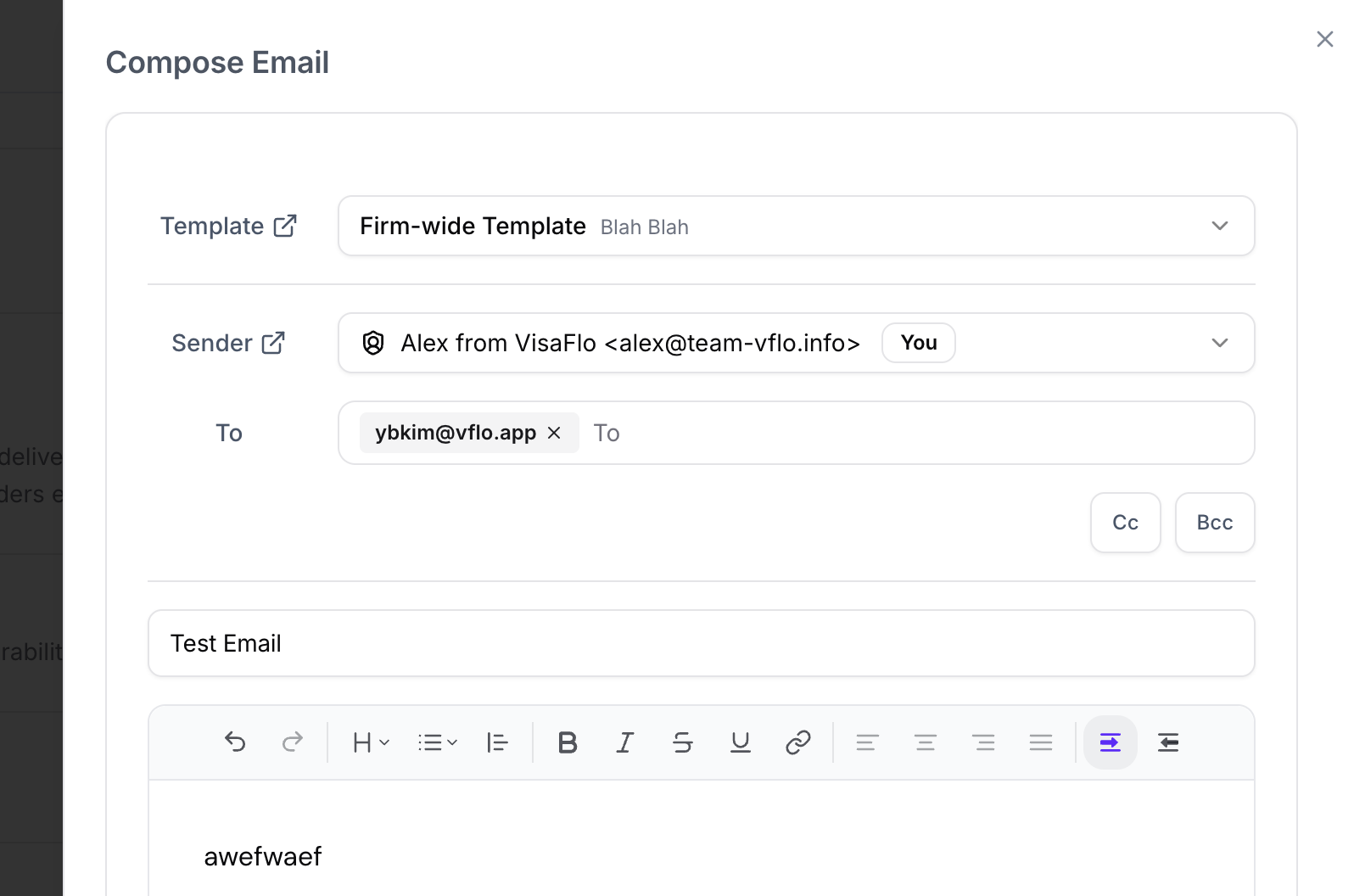
4. Now, when you send out emails to individual clients or leads using Email Composer, they will be sent out from the configured user-specific email address.